FineReader: PDF Scanner & OCR

FineReader: PDF Scanner & OCR

von ABBYY USA Software House Inc

  • Kategorie: Business
  • Veröffentlicht: 2012-07-24
  • Aktuelle Version: 16.0.3
  • Adult Rating: 4+
  • File Size: 129.54 MB
  • Developer: ABBYY USA Software House Inc
  • Compatibility: Requires iOS 15.0 or later.
Score: 4.57434
4.57434
von 7,842 Bewertungen

Beschreibung

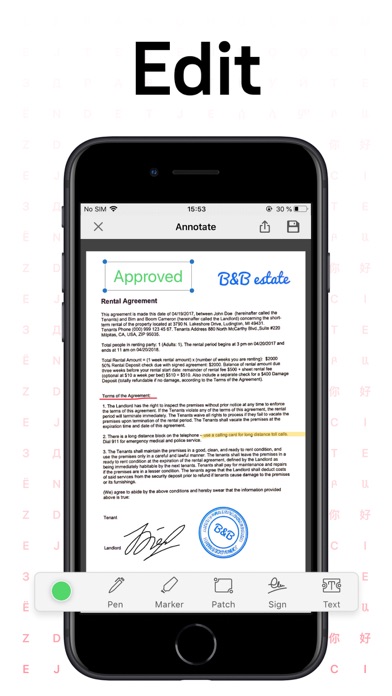
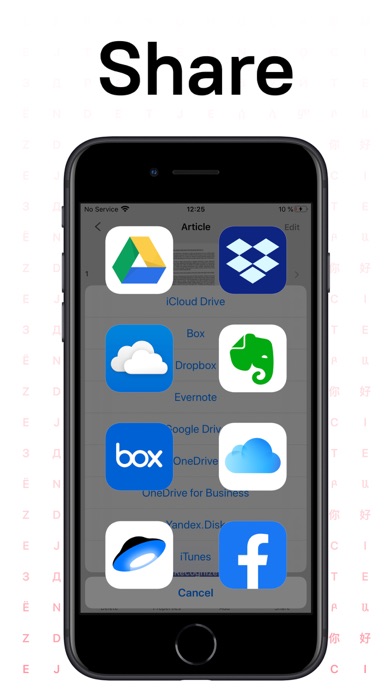
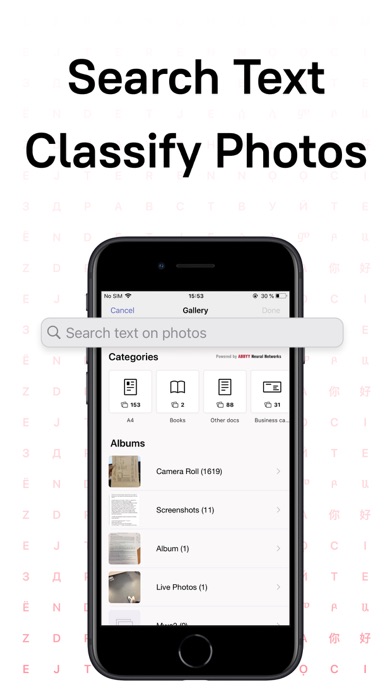
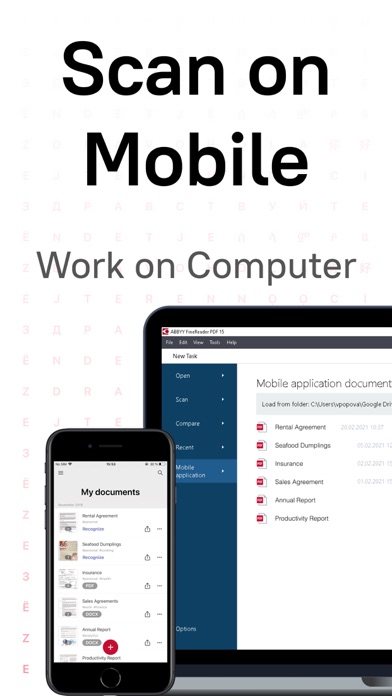
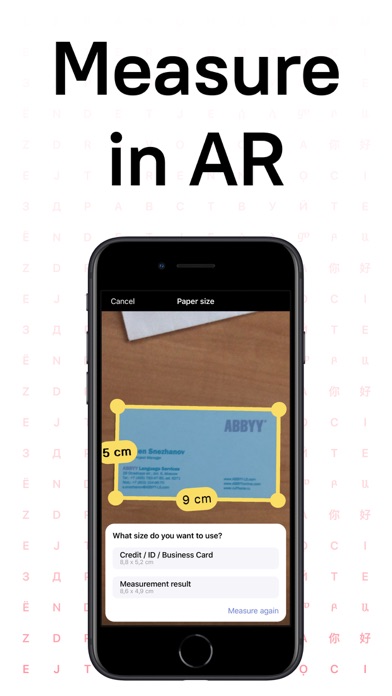
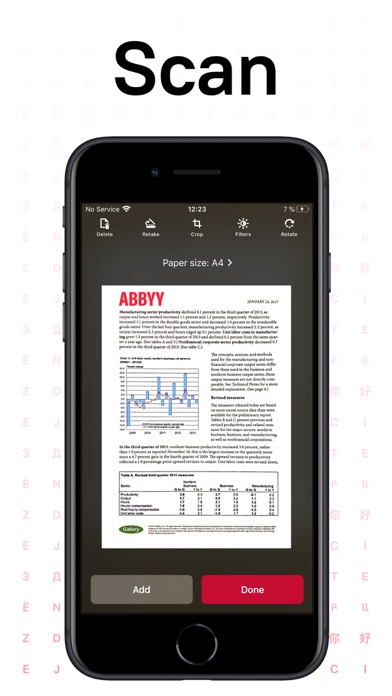
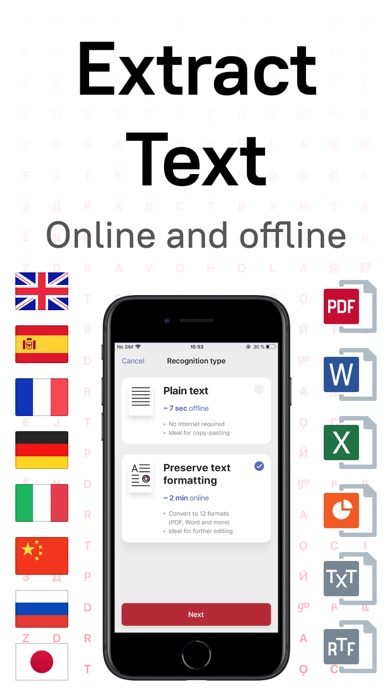
ABBYY FineReader PDF - the first smart AI-powered scanner that turns your mobile device into an all-purpose tool to quickly capture docs and books, create electronic copies in PDF and JPEG, and extract texts from scans for further editing and sharing. FineReader PDF - the top mobile scanner for iPhone or iPad from ABBYY, a Digital Intelligence company. *** Ranked #1 Business application in 98 countries *** *** Winner of SUPERSTAR Award in the "Document Capture" category in the Mobile Star Awards *** Use FineReader PDF to scan paper documents, books, agreements, receipts, magazine articles, notes, recipes, charts, tables, slides, whiteboards, or even billboards on the street and get perfect digital copies. KEY FEATURES • PDF & JPEG. Scan any text and save scans to JPEG images or cross-platform PDF documents. • OFFLINE OCR. Quickly extract text from scans into TXT format on your device without an internet connection. • ONLINE OCR. Recognize text (OCR) on scans in 183 languages (including Latin, Cyrillic, Chinese, Japanese, and Korean alphabets) and choose from among 4 output formats. • SHARE & EXPORT. Send results by email, to FineReader PDF for Windows, save in cloud storages - iCloud Drive, Dropbox, Google Drive, Yandex.Disk, Evernote, OneDrive for Business, and more. • LIVE TEXT. Make phone calls, send emails, follow the links, and more from scanned docs. • ABBYY NEURAL NETWORK. The smart gallery will automatically classify documents into 7 types: A4, books, business cards, handwritten, IDs, other docs, and receipts. • SEARCH TEXT ON PHOTOS. Type the text from a photo into a Search field in the gallery. FineReader PDF will find photos that have this text. • AR RULER. Define doc size in AR. It will be useful for non-standard documents and further printing them out in proper proportions. • SIRI SHORTCUTS. Open scans with Siri and set the flow of actions with scans using Shortcuts app. • ANNOTATE SCANS. Discover a set of easy-to-use tools to modify your PDFs: add your signature or a text box, use a highlighter, write with a pen, or conceal content with the redaction tool. • 3D TOUCH & SPOTLIGHT SEARCH SUPPORT. • PASSWORD ON PDF. Add a password for the image-only PDF files while exporting and sending via email. • MULTIPAGE DOCS. Create, edit, and enhance separate images or large multi-page documents without any additional selection on the viewfinder. • AUTO-CAPTURE AND FILTERS. Excellent visual quality with auto-capture of page boundaries and advanced image filters, which process scans in color, greyscale, or black-and-white versions. • BUILT-IN FILE STORAGE. Save scans inside the app with tags and search capabilities. • Transfer docs to your Mac or PC using Home Sharing. • AIRPRINT. Print out scans directly from your iPhone or iPad. Read us: abbyy.com/blog/mobile Facebook.com/ABBYYsoft Twitter @ABBYY_Software YouTube.com/ABBYYvideos Do you like FineReader PDF? Please leave a review!
Screenshots

Reviews

  • Tolle Business App

    3
    von SoeinHeini
    Spart mir regelmäßig den Weg zum Scanner/ Kopierer zwei Etagen weiter! Super auch unterwegs! Die Werbeeinblendungen sind penetranter geworden, unschön aber legitim. Ungutes Gefühl was die Vertraulichkeit der Daten angeht, insbesondere bei Texterkennung.
  • Abstürze beim iPhone 16 Pro

    1
    von Ritchi Ritch
    Auf meinem iPhone SE 2 und Vorgängern war diese App spitze. Das hat sich völlig verändert, seitdem ich sie auf einem iPhone 16 Pro nutze. Seit über einem Jahr ist diese App für eine Seite mit Einschränkungen zu nutzen, sobald ich mehrere Seiten scannen möchte, kommt ein Absturz dazwischen und ich muss von vorne anfangen. Nach dem Absturz sind die bereits gescannten Seiten wieder vorhanden, es können aber keine weiteren Seiten hinzugefügt werden. Gut, bei einer Seite lästig und ärgerlich, bei mehreren Seiten eine Zumutung. Wenn ich schnell bin, schaffe ich bis zu drei Seiten in mehreren Anläufen. Mehr Seiten sind nicht zu schaffen, da ich nach jedem Absturz neu anfangen muss. Dies ist nicht die einzige App, die mit der Umstellung auf das iPhone 16 Pro Probleme zeigte, alle anderen Entwickler haben ihre Apps jedoch nachgebessert, so dass ich sie heute nutzen kann. Bei dieser App ist das bislang nicht erfolgt. Das ist besonders schade, da die neue Vorschau – App von Apple bei einem bestehenden Foto nur einen rechteckigen und keinen individuellen Zuschnitt erlaubt.
  • Gibt es in der A-Welt überhaupt keine ordentlichen PDF-Programme?

    1
    von xdrvgz
    Das Programm hat nicht einmal eine Zoom-Funktion (oder habe ich sie übersehen?).
  • Хуже, чем приложение для Windows

    2
    von DescipleGanev
    Сильно уступает приложению для Windows. Нет возможности исправлять перекосы и тому подобное. Также нельзя сканировать со сканера, только работа с камерой или фото из памяти. В общем, разочарован. Ожидал аналогичного функционала, как и в приложении для Винды, но это какая-то урезанная версия. И за нее просят 70 евро… за нормальную полноценную версию, конечно есть смысл оплатить. Но за это убожество я бы и 7 евро не дал… Приложение Canon дает аналогичный функционал бесплатно + поддержка работы со сканером. А наличие одного лишь распознавания текста мне не достаточно. Надеюсь, что скоро появится полноценный аналог приложения для пк.
  • hässlich, alles Lüge!

    1
    von 123)(v€
    es enntäuscht mich sehr! die filter sind grottenschlecht!
  • Es geht so

    5
    von R2D2 etc
    Also die Idee mit der App ist schon ganz gut aber leider werden Extrafunktionen gleich mit Kosten in Verbindung gesetzt. Darum muss ich noch ein paar Umwege gehen, um das Ganze kostenlos zu erreichen, was ich erreichen möchte. Also von der Performance und allem so insgesamt zwei Sterne. Weil die Benutzung so gut einfach ist.
  • Books

    3
    von nervusblue
    Unfortunately there is no opportunity to scan books anymore like it used to be, it used to be very convenient to scan two pages of it book as two pages. Now you have to scan every page. I don’t understand why this brilliant feature of the app isn’t available anymore.
  • Fraktur???

    1
    von macmatthes
    Sehr schlechte Texterkennung, weit hinter den durch Rezensionen geweckten Erwartungen! Deinstalliert.
  • Tolle App

    5
    von Jensilein
    Benutze sie regelmäßig zum Archivieren und sichern in one Drive
  • OCR verarbeitet Zeilenumbruch fehlerhaft

    2
    von Tubercle Guy
    Seit ein paar Tagen fügt die OCR zahlreiche Leerzeichen ein am Zeilenende statt einfach den Text der nächsten Zeile anzuhängen. Das stört.

keyboard_arrow_up