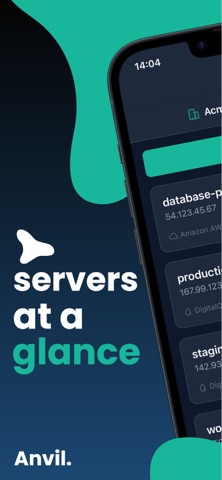
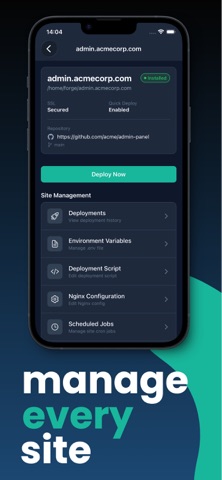
MANAGE YOUR FORGE SERVERS ON THE GO Anvil brings Laravel Forge server and site management to your iPhone. Check your infrastructure, update site configuration, and start deployments wherever you are. SUBSCRIPTION REQUIRED Managing a real Forge account requires an active Anvil subscription and a Laravel Forge account with a personal API token. Tap Try Demo to explore simulated sample servers without an account or purchase. Monthly and annual auto-renewing subscriptions are available. Current pricing and any eligible introductory offer are shown in the app before purchase. You can restore an existing purchase from the subscription screen. FEATURES • Server management: View server details and manage databases, SSH keys, firewall rules, scheduled jobs, and background processes. • Deployments: Start site deployments and review recent deployment history and logs. • Site configuration: Edit environment files, deployment scripts, and Nginx configuration. • SSL and access: Manage site certificates, redirects, and access rules. • PHP and workers: View installed PHP versions, restart PHP, toggle OPcache, and manage queue workers. • Organizations: Switch between your Forge organizations and access teams and recipes. • Uptime checks: Run website availability checks while the app is open and view recent results. • App access: Protect access to Anvil with a PIN and supported biometric authentication. Anvil is an independent third-party client and is not affiliated with Laravel or Laravel Forge. SUBSCRIPTION TERMS Payment will be charged to your Apple ID account at confirmation of purchase. Subscription automatically renews unless canceled at least 24 hours before the end of the current period. Your account will be charged for renewal within 24 hours prior to the end of the current period. You can manage and cancel your subscriptions by going to Settings > Apple ID > Subscriptions after purchase. Terms of Service: https://anvilforforge.com/terms.html Privacy Policy: https://anvilforforge.com/privacy.html