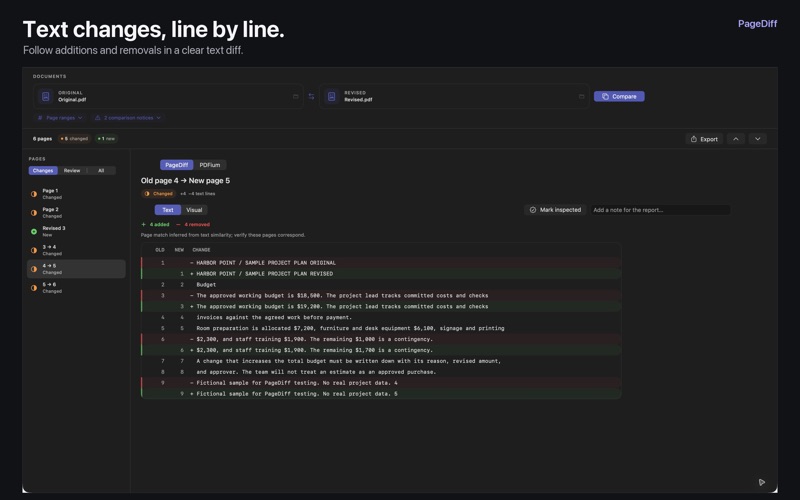
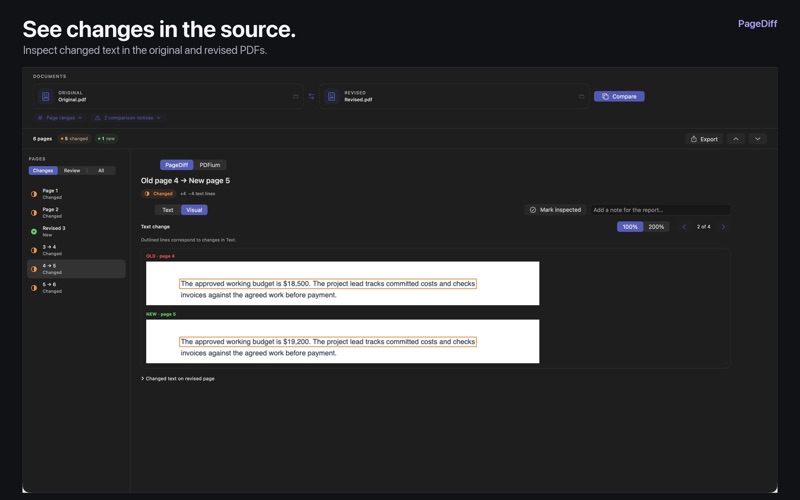
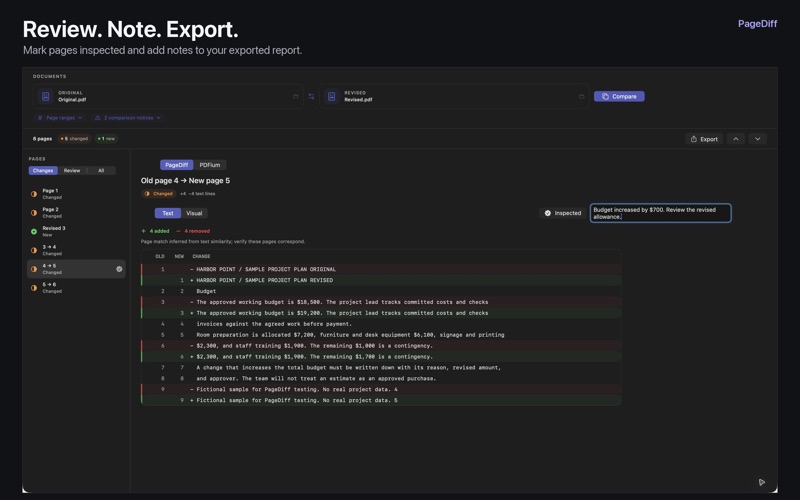
PageDiff shows what changed between two PDFs, from a revised sentence to an added page. Choose an original and a revised file, then compare their text and page images. Read additions and removals in a familiar diff view, or switch to Visual to inspect the changes in the source pages. Use it for reports, manuals, policies, project plans, and document drafts. REVIEW AT YOUR OWN PACE • Compare whole PDFs or choose a separate page range for each file • Browse changed pages and pages identified as new or removed • See added and removed text with line numbers • Inspect outlined changes in the rendered pages and zoom in on a change • Filter uncertain page matches and choose the corresponding pages yourself • Mark pages inspected and add notes for your report • Export a PDF with the comparison summary, page previews, text differences, and review notes A SECOND WAY TO CHECK Switch to PDFium for an independent rendering and text check of the selected page pair. PDFium results appear in the app; exported reports contain the PageDiff comparison. KEEP YOUR DOCUMENTS ON YOUR MAC Comparison runs locally. No account, upload, subscription, or internet connection is required. PageDiff leaves your original files untouched. On-device text recognition can help with image-only pages in the PageDiff view. PDFs with repeated templates, major layout changes, or hard-to-read scans can be difficult to compare automatically. PageDiff flags uncertain matches and provides source previews for inspection. Check important results before relying on them. Notes and inspection marks last for the open comparison, so export a report to keep your review. PDFium does not run OCR and cannot check PDFs containing forms.